
 UX Caffè
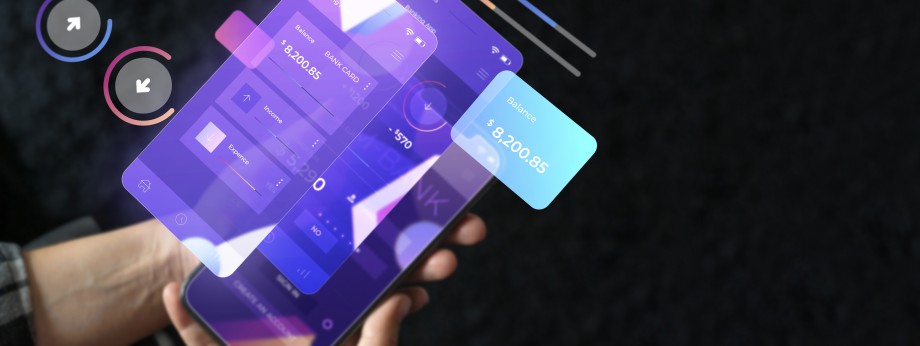
UI Animations in 2025: How to Use Transitions and Micro-Animations to Guide the User
Best practices for adding movement to interfaces without compromising usability
In 2025, UI animation is no longer just a creative luxury — it’s an essential tool for guiding users, increasing clarity, and making every interaction more enjoyable. But how do you use it without overdoing it? Let’s explore effective techniques and current trends.
1. Micro-interactions: small gestures, big impact
Micro-interactions are short animations that provide immediate feedback — like buttons changing color, progress bars filling up, or confetti celebrating a completed action. These details enhance usability by making the experience clearer and more pleasant (en.wikipedia.org, stan.vision).
2. Duration and speed, backed by science
The perfect animation lasts between 200 and 500 ms — slow enough to notice, but fast enough not to bore. On mobile devices, the ideal range is around 200–300 ms; on tablets slightly slower; on web even quicker (uxdesign.cc).
3. UX best practices: guidance, feedback, and subtlety
- Function before form: every animation must have a clear purpose — not just be decorative (medium.com, blog.openreplay.com).
- Visual guidance: use transitions and light resistance to indicate element states or next steps (blog.openreplay.com).
- Immediate feedback: a button that responds to interaction reassures the user (blog.openreplay.com, techtio.io).
- Moderation: animation should not distract or slow down — simplicity is key (justinmind.com, techtio.io).
4. Modern tools for UI animation
In 2025, design tools are more accessible and intuitive:
- Phase: Figma-like tools to design micro-animations without needing After Effects (uxdesign.cc).
- Practical guides for animated interactions on Clay and designerup.co (clay.global, designerup.co).
5. Mindful and inclusive animations
Animation can engage users, but it can also be overwhelming, particularly for neurodivergent users. Accessibility requires animations that are easy to ignore and customizable (arxiv.org).
In e-commerce, a well-placed animation (such as a dynamic price drop) can attract attention without being intrusive (arxiv.org).
6. Winning examples of micro-animations
- Buttons that visually confirm a tap, increasing the sense of control.
- Progress bars and skeleton screens that reduce perceived wait time.
- Celebratory animations (like confetti) that reinforce positive results and increase engagement (justinmind.com, stan.vision, userpilot.com).
Conclusions
In 2025, UI animations are crucial for building intuitive, pleasant, and understandable interfaces. When well-designed, they:
- clearly guide the user,
- provide instant feedback,
- increase trust and engagement,
- and make flows smoother and more natural.
The key is balance: each animation should be precise, functional, and fast. Tools like Phase make the process accessible even for non-motion designers.
However, inclusivity matters: overly intense animations can confuse or disturb, especially neurodivergent users.
A well-crafted animation supports the story — it doesn’t interrupt it. Always think about the goal: guide, inform, or gently surprise. And remember: if the user “forgets” the animation but finds the interface more intuitive… you’ve won. The future of design in 2025 is all about elegant motion, clear minds, and satisfied users.
 Follow UX Caffe on instagram















